FreeRadio's new look: prettier and easier to use
Equipe FreeRadio
FreeRadio Editor
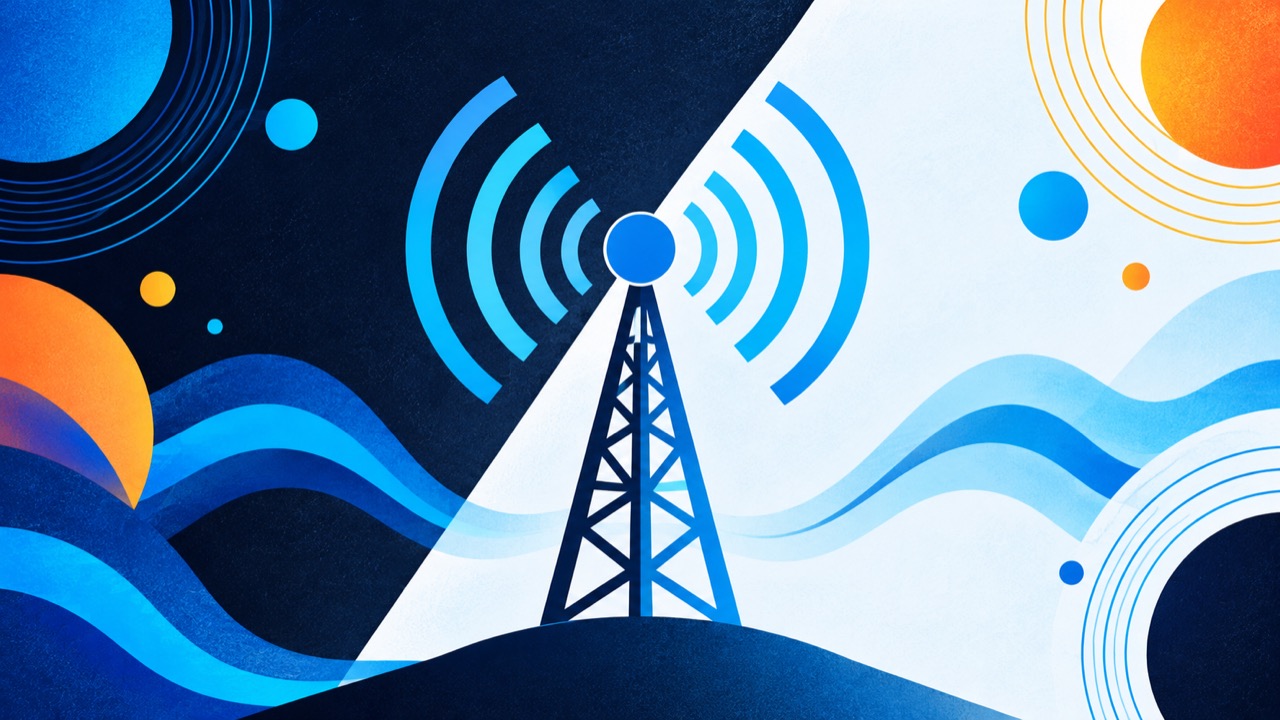
FreeRadio is now prettier and more enjoyable to use. We changed the look of the whole app, but the essentials stay the same: open it, pick a station and press play, with no sign-up.
Light, dark or automatic
You can now choose how FreeRadio looks. In Settings, in the Appearance card, leave it on Automatic so the app follows your device, or pin the Light or Dark theme. Your choice is saved only in your browser.
More stations in sight
The home screen now opens straight on search, with stations in smaller cards, and on phones more of them fit on each screen. Genres and countries have their own look, with more color and personality, and you can swipe through them with your finger.
A better player
The player stays within reach while you browse. Tap it to open the full screen, with the station's big cover and the controls at your fingertips. Stations without a logo now get a cover with their initials, so the list always looks good.
And there is more
We also made small tweaks all over the app to make it smoother. Want to see? Open the Tuner and feel the difference.
Frequently asked questions
Did I lose my favorites with the new look?
No. Your favorites, history, likes and language are still stored in your browser, as before.
How do I switch between the light and dark theme?
Go to Settings, the Appearance card, and choose Automatic, Light or Dark.
Enjoy!
Published on 2026-10-14